


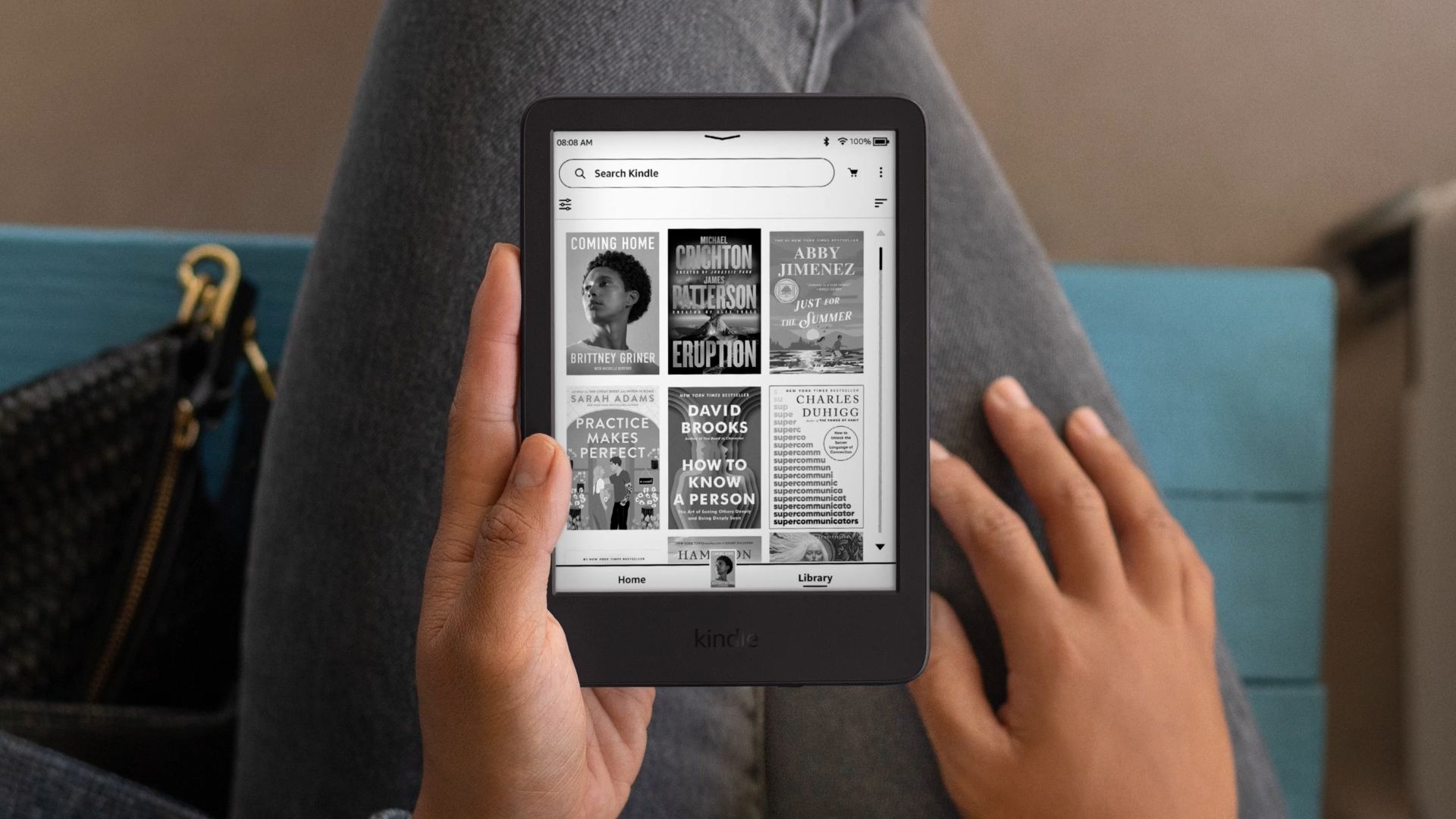
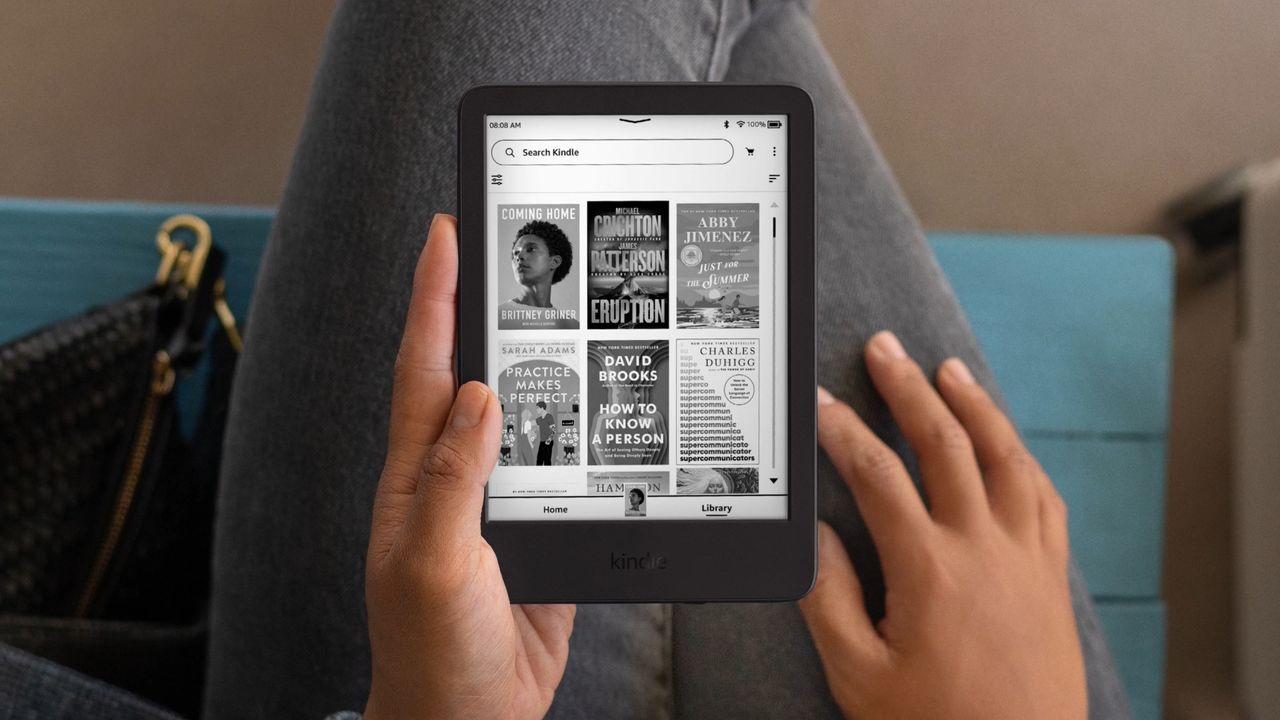
Last month, Amazon announced anyone with a Kindle built before 2013 will no longer have access to the Kindle Store, Kindle Unlimited or the “send to Kindle” service. The news effectively meant that older Kindles would be almost useless.
If your device was among the models affected, this year’s Amazon Prime Day sale is the perfect opportunity to snag the upgraded device you need at a discount.
Whether you’re shopping for a brand new eReader or looking for something used but still in good condition, this week, the major online marketplace is packed with plenty of discounted tech to save you money. To help you find the right replacement for your old eReader, here’s a roundup of the best Amazon Prime Day deals on Kindles this week.
Sign up for Kiplinger’s Free Newsletters
Profit and prosper with the best of expert advice on investing, taxes, retirement, personal finance and more – straight to your e-mail.
Profit and prosper with the best of expert advice – straight to your e-mail.
Best Prime Day Kindle deals to shop now
To get the most time out of your next Kindle purchase, it helps to buy brand new. Since companies tend to stop providing support after a few years and, in Amazon’s case, may even remove features, you can get the most years out of your next Kindle before support ends by getting the latest model.
If you get that latest model during the Amazon Prime Day sale, you can stretch your dollar even further by paying less than full price. With that in mind, here are the best Amazon Prime Day Kindle deals available right now:
Tips for buying a used Kindle on Amazon
If you held onto your last Kindle long enough that Amazon cut support for it, even a used Kindle that’s a couple years old will feel like a major upgrade in features and functionality.
And you can often find prices even lower than the best Prime Day deals on the latest models if you browse Amazon Resale, the major retailer’s used marketplace.
But there is a catch. Buying used tech means you have to be careful about the quality and condition of the device you’re buying. Since Amazon’s marketplace can be a little confusing to navigate, here are a few tips to get your money’s worth when shopping used:
- Choose “like new” condition: Amazon rates the condition of used items on its website on a scale of “as is” to “like new.” While even the worst condition products should still be functional, tech is one of those categories where you want to stick as close to new condition as possible.
- Note the return policy: While there are some things you can’t return to Amazon, used products aren’t on the list. Still, you will have a limited window of time during which you can get a refund. As soon as the Kindle arrives, test out all the features a few times over to make sure everything works as expected. That includes page navigation, charging speed, downloading books, browsing your library and other key features you need for a smooth reading experience. That way, if something is off, you’re well within the return window to get your money back.
- Check the seller: Your best bet is to go with a Kindle that’s shipped and sold by Amazon directly. But depending on the model you’re looking at, the device in the best condition might be from a third-party seller. If that’s the case, make sure the seller has a strong rating (with many reviews) and then double check their return policy, as it can differ from Amazon’s standard return policy.
