


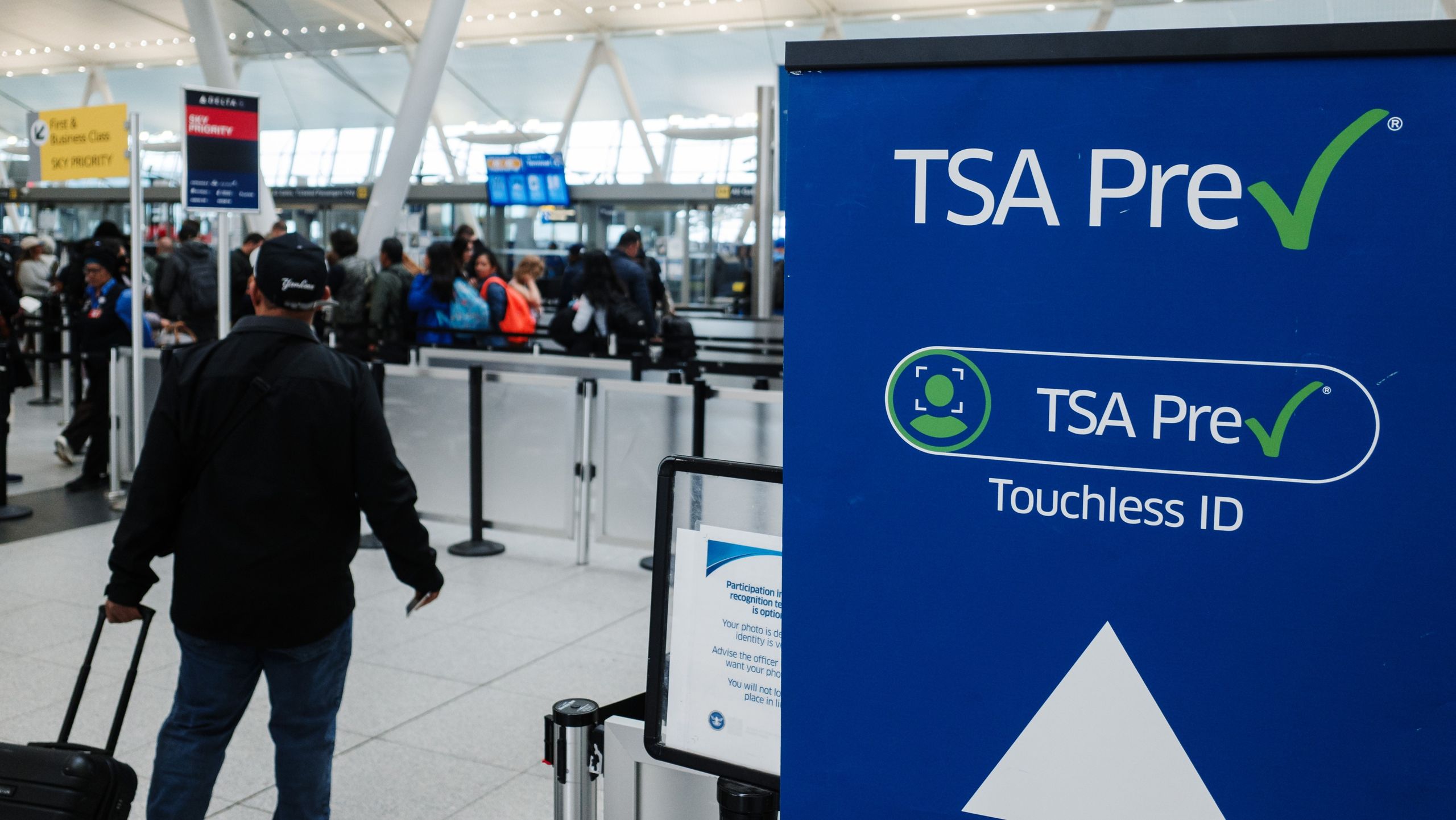
The Transportation Security Administration (TSA) announced a new partnership with Google Wallet on Wednesday. Travelers can now use Google Wallet to opt into TSA PreCheck Touchless ID, a program that allows you to breeze through security checkpoints without any physical government ID or paper boarding pass.
Your TSA PreCheck membership fast-tracks you through the wait line (and shortens the screening process), but you still need to stop and show ID at a security checkpoint before you can go to the screening area. Touchless ID uses facial recognition technology, not a security agent and physical ID, so you can go through a faster-moving line and get through the checkpoint more quickly.
With the new Google Wallet partnership, all of that becomes a little bit more seamless than it already is. If you’re a TSA PreCheck member who’s already used Touchless ID, you might be wondering how this is any different from your current experience. Here’s what you need to know.
Sign up for Kiplinger’s Free Newsletters
Profit and prosper with the best of expert advice on investing, taxes, retirement, personal finance and more – straight to your e-mail.
Profit and prosper with the best of expert advice – straight to your e-mail.
What Google Wallet changes about TSA PreCheck Touchless ID
TSA PreCheck Touchless ID is available at 65 airports nationwide. But, until now, you had to opt into the service through a participating airline.
That meant enrolling in a frequent flyer program (provided the airline you’re flying with is eligible for Touchless ID), manually adding your passport details to that frequent flyer account, and then opting into TSA PreCheck Touchless ID.
That’s easy enough if you’ve done it before with your typical airline, but what about when you’re not flying with your regular airline, or if you forget to check ahead of time? Do you need to be enrolled in the frequent flyer program of every participating airline you fly with and then set up Touchless ID with each one individually? Not anymore.
The new Google Wallet integration simplifies the process. If you’re flying on any of the 100 airlines participating in the program (and you have TSA PreCheck), you can opt into Touchless ID just once through Google Wallet and use it every time you fly, with any airline, without joining 100 frequent flyer programs.
How to set up TSA PreCheck Touchless ID in Google Wallet
First, you need to enroll in TSA PreCheck if you haven’t already done so. Many travel rewards cards offer statement credits that effectively make the program free to you. So, if you’re on the fence about whether or not enrolling is worth it and you have one of those travel credit cards, there’s no question. It’s free to you so any time saved at the airport is a bonus.
Next, you need to add your passport to Google Wallet.
On the day of your flight, here’s what your Touchless ID process will look like:
- Check in for your flight online. After you’ve finished checking in, save your boarding pass to your Google Wallet.
- Opt into Touchless ID. When viewing your boarding pass in your Google Wallet, you should see a “get started” button if you’re eligible for this program. Tap it and follow the prompts.
- Look for the TSA badge on your pass. After agreeing to share your digital ID and boarding pass with the TSA, you should see a little TSA PreCheck Touchless ID badge on your boarding pass. This indicates that you’ve finished the process and you’re good to go.
That’s all there is to it. You just opt into the program after checking in and you can now skip the hassle of digging around in your bag for your wallet when you reach the TSA checkpoint. Instead, you’ll just scan your boarding pass, do the facial recognition process and move on to the security screening.
What else to know about Google Wallet and Touchless ID
Google Wallet is available to Android phone users. If you have an iPhone, there is no Google Wallet app available.
Understandably, some people have security concerns about the use of facial recognition technology. You do have to opt in for Touchless ID, and TSA says: “Images are not used for law enforcement, surveillance, nor shared with other entities. Your photo and personal data are deleted within 24-hours of your scheduled flight departure.”
On privacy concerns, Google says your information is shared with the TSA only after you opt in and authenticate. The company adds that digital IDs in the Wallet “are always encrypted and stored directly on your phone.”
The Google Wallet Touchless ID option is “rolling out over the coming weeks,” according to Google.
